
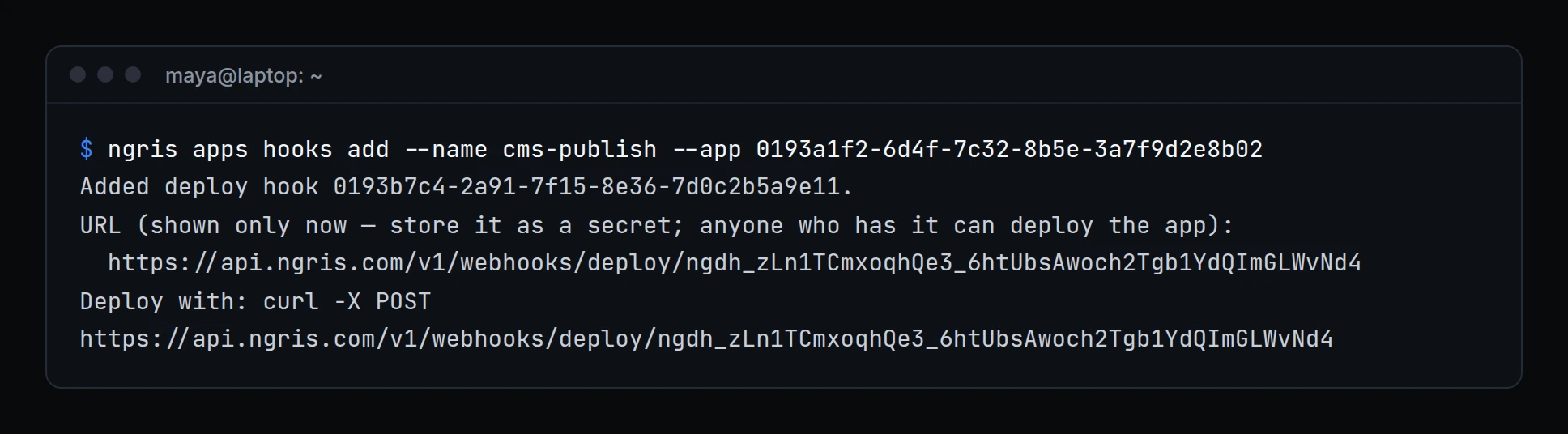
Deploy hooks, a Git app's push settings and per-environment variables already worked in the dashboard. Scripts and terminals had to go there for them.
Now the CLI does them too. Above, Maya gives the docs site a deploy hook for the team's CMS. Its URL is shown once, so she stores it in the CMS's secret settings right away.
What changed
- Deploy hooks.
ngris apps hookslists an app's hooks with their last call and result.apps hooks addcreates one and shows its URL once,apps hooks rotategives it a new URL, andapps hooks rmdeletes it. For a Git app,--branchpicks the branch a hook builds. - Variables per environment.
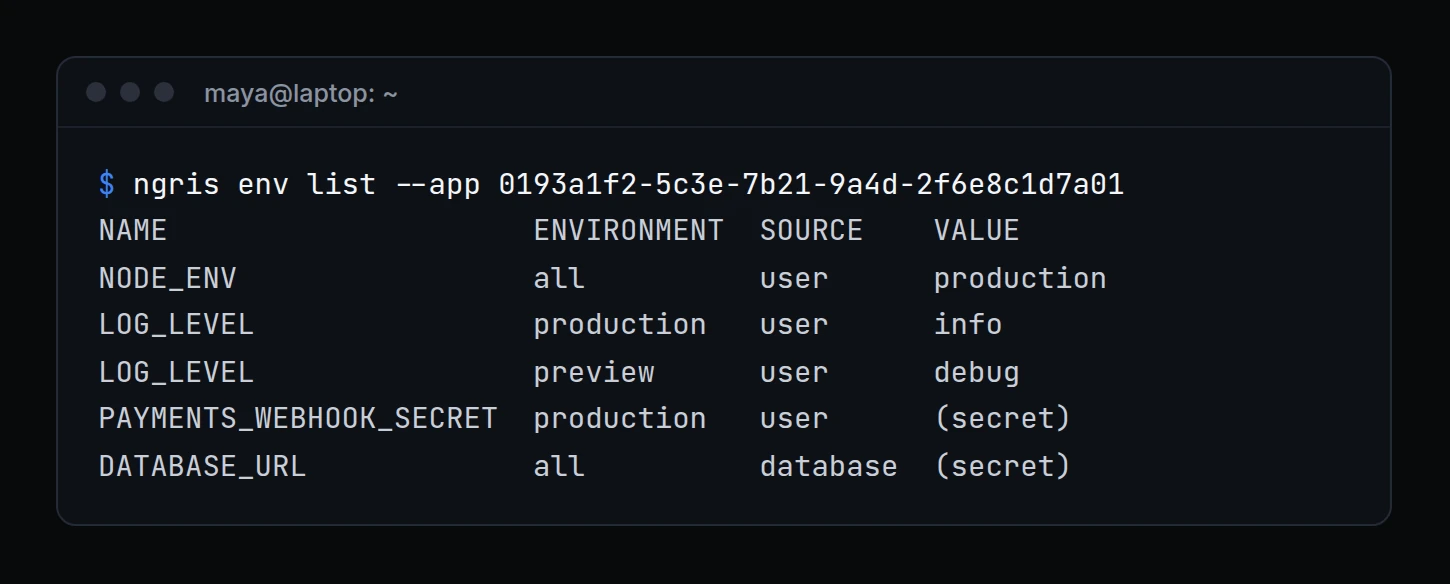
ngris env set,env rm,env pullandenv listtake--env production|preview|all.env listshows each variable's environment and source, with secret values hidden.env pullshows what a production deploy gets. - Git push settings.
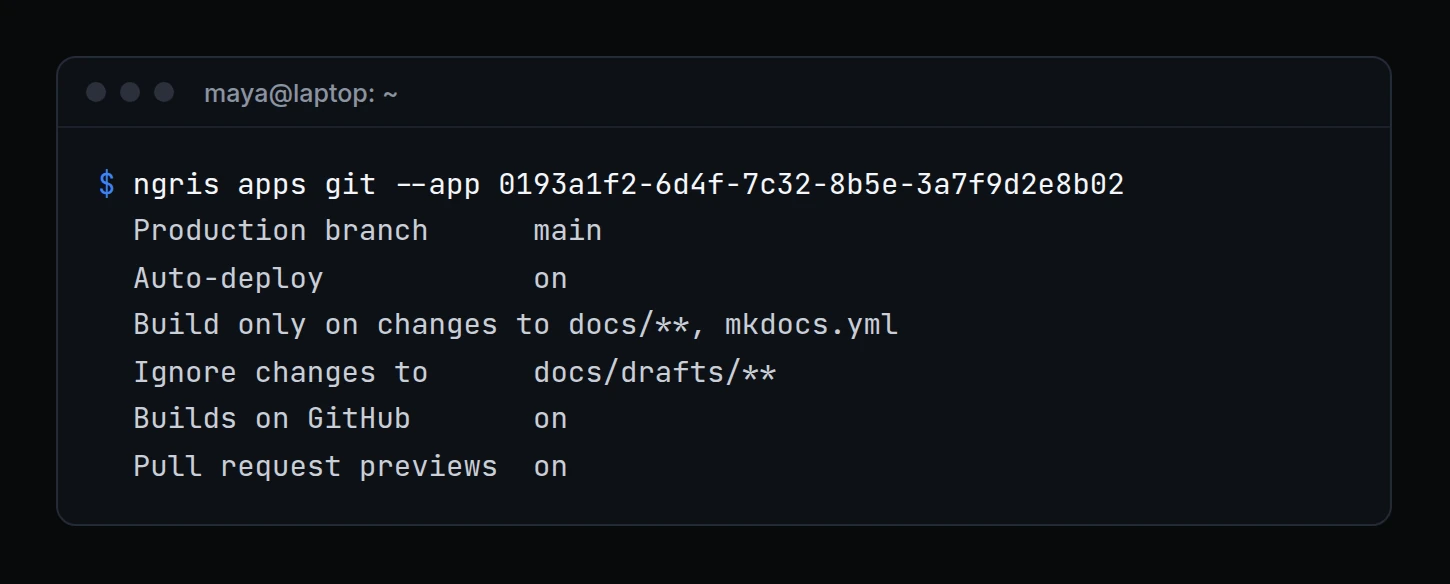
ngris apps gitshows a Git app's production branch, auto-deploy, path filters, commit statuses and pull request previews. Change them with--include-paths,--ignore-paths,--commit-status on|offand--pr-previews on|off. - Cancel a build.
ngris apps cancel <deploy id>cancels a queued or building deploy. What's live doesn't change. - Skipped pushes.
ngris apps deployslists canceled deploys, and the pushes that built nothing. - Build settings.
ngris apps createandapps settingstake--install-command,--build-command,--output-dirand--start-command. - Client certificates for your devices.
ngris client-cert requestmakes a device's key on the device and gets its certificate;client-cert listandclient-cert revokemanage them.
Get started
- Update ngris to 0.5.0, and save your API key once with
ngris auth --api-key. - Run
ngris apps hooks add --name <name> --app <uuid>and store the URL it shows. - Run
ngris env list --app <uuid>andngris apps git --app <uuid>to see what an app has. - Read the docs: App commands and Applications.