New — Iris AI drafts your firewall, routing & rate-limit rules. Explore AI features →
Changelog
IrisDashboard

Alerts: Iris drafts the rules, you choose who gets them

Describe the alerts you want and Iris drafts them. You pick which to keep and who gets them, then create them. Alert emails go only to your members.

Alerts: Iris drafts the rules, you choose who gets them

Iris can write alert rules from one sentence. Who gets woken up by them is not something it should guess from that sentence.

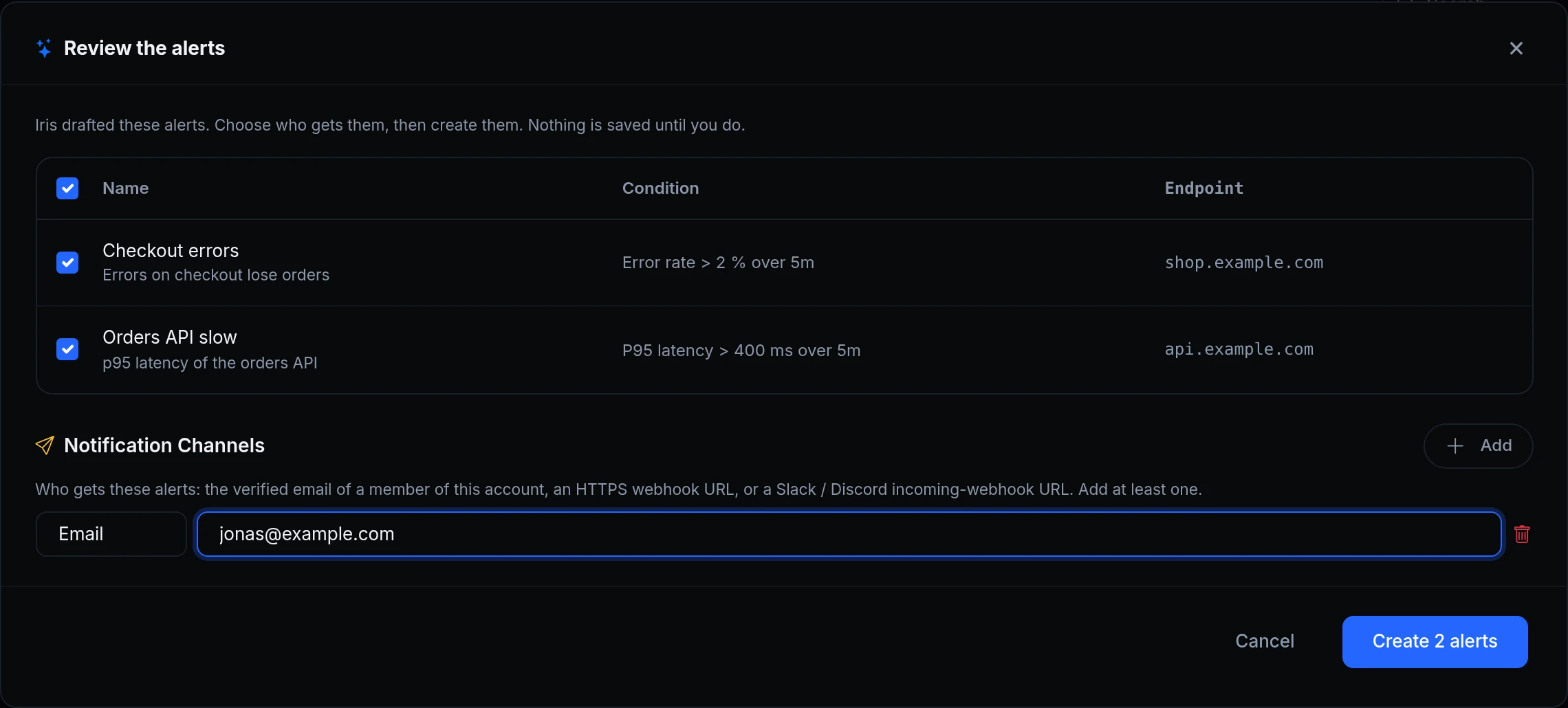
Generate with Iris on the Alerts page now ends in a review step. Iris drafts the rules: the metric, the threshold, the window and the endpoint. You choose which ones to keep and who gets them, then create them yourself. Nothing is saved before you do. Above is the review for the two alerts Maya asked for, with Jonas, a member of Acme Labs, picked to get them.
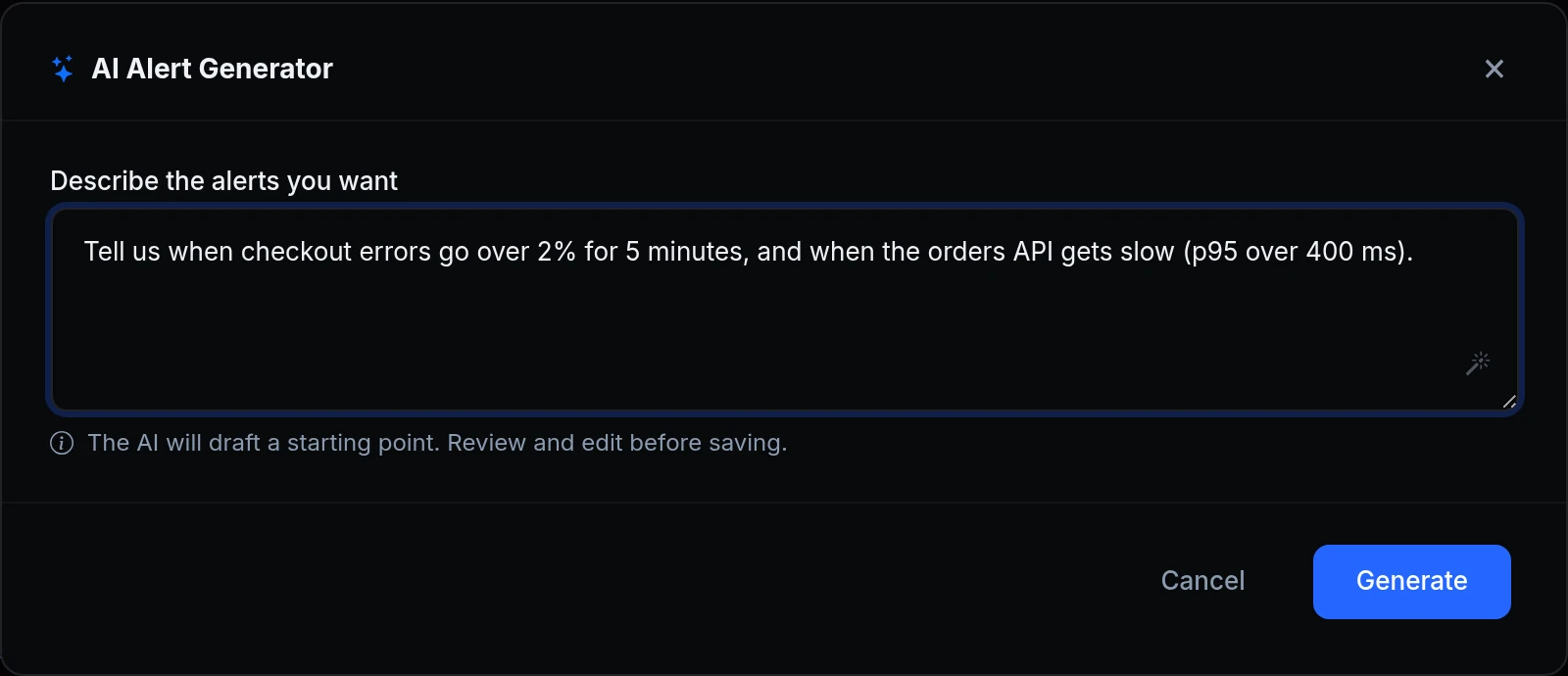
The AI Alert Generator: Describe the alerts you want, with a request for checkout errors over 2% for 5 minutes and the orders API getting slow
Maya describes what she wants watched in plain words: checkout errors over 2% for 5 minutes, and a slow orders API.
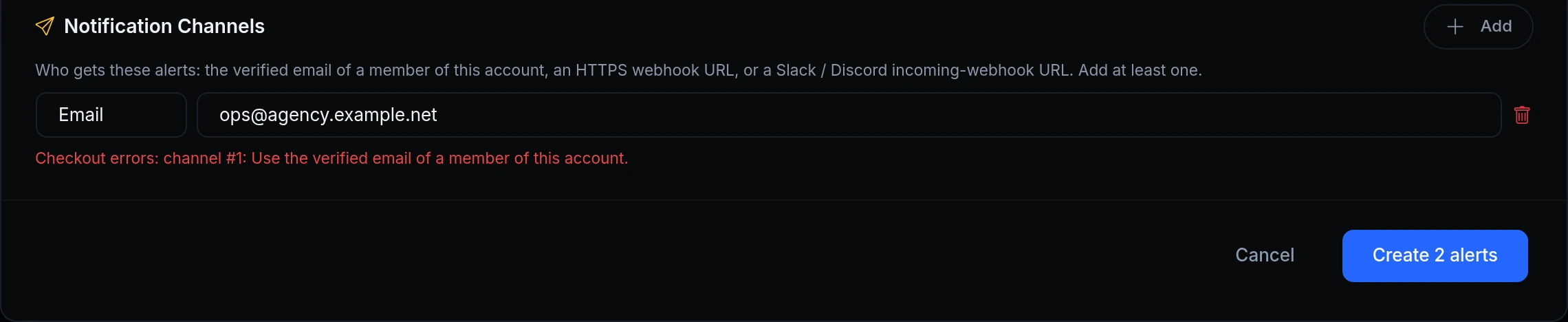
The review step refusing an address: Checkout errors: channel #1: Use the verified email of a member of this account
She first tries the agency's address. The review says why it can't be used, and nothing is created until she picks a member.
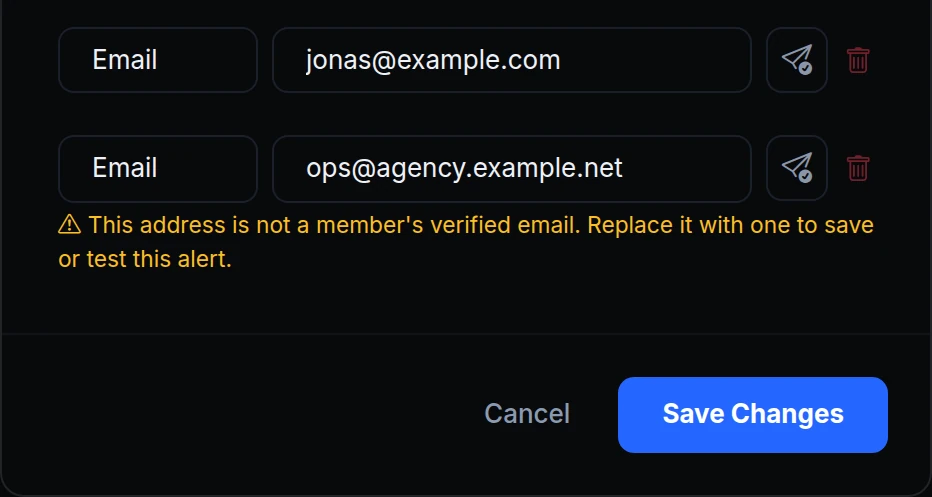
An alert's channels: ops@agency.example.net flagged as not a member's verified email, to be replaced before the alert can be saved or tested
An older alert still emails the agency's address, saved before this rule. It keeps getting the alerts, but the alert's page flags it, and the alert can't be changed or tested until Maya replaces it.

What changed

  • Review before create. Iris drafts the rules. You untick the ones you don't want, add who gets them, and click Create. Cancel creates nothing.
  • You pick the recipients. Iris never chooses where an alert goes: the review's channel list starts empty, and at least one recipient is needed.
  • Members only, by email. An email recipient must be the verified address of a member of your account, whether the alert comes from the dashboard, the API, MCP or Iris. Webhook, Slack and Discord channels work as before.
  • Older addresses are flagged. An address saved earlier keeps getting alerts. Replace it to edit or test the alert; turning the alert off or deleting it still works.

Get started

  1. In the dashboard, go to Observability → Alerts and click Generate with Iris.
  2. Describe the alerts you want and click Generate.
  3. In Review the alerts, untick any you don't want, add who gets them under Notification Channels, and click Create.
  4. Read the docs: Threshold alerts and Metric alerts from plain English.

Read the docs

Ask an AI to summarise this page
Deploy
App hosting Edge functions Domains & certificates
Connect
Secure tunnels API gateway Multi-region edge
Protect
Bot protection & challenge WAF & firewall Edge login
Observe & AI
Monitoring Inspector & replay Iris AI MCP server AI Gateway
Developers
Developer tools Docs ngrok policy converter Blog Changelog
Compare
Ngris vs ngrok Ngris vs Cloudflare Tunnel Ngris vs Vercel Ngris vs Netlify Expose localhost guide
More
Solutions Pricing Enterprise Sign in Get Started Free