
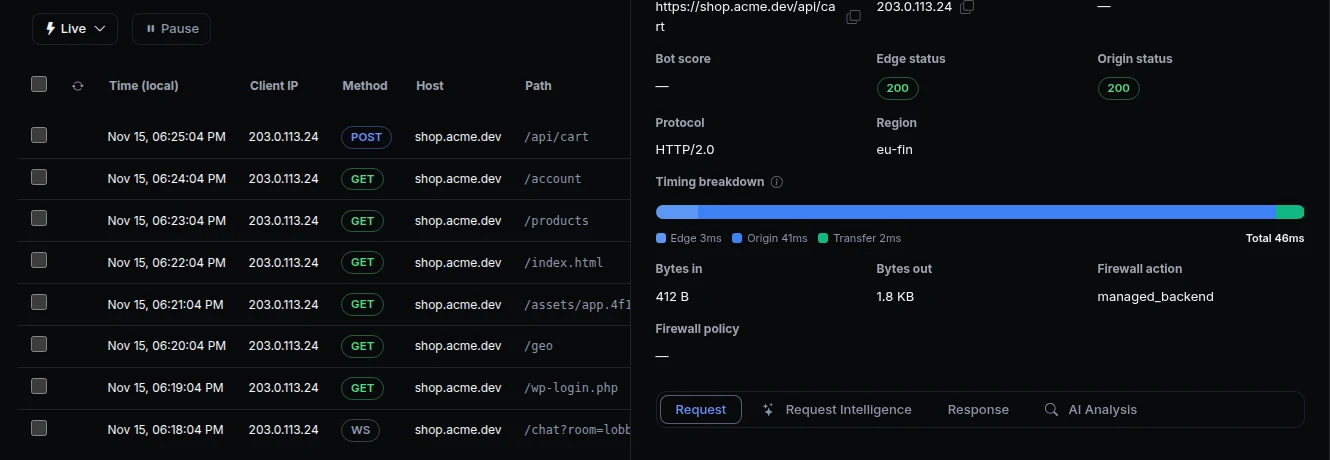
A chat, a live dashboard or a game needs a connection that stays open. Until now, an app you hosted on ngris couldn't take one: a WebSocket had to go through an agent. And in the Traffic Inspector, your hosted app's requests showed no response, and said your app had never received them.
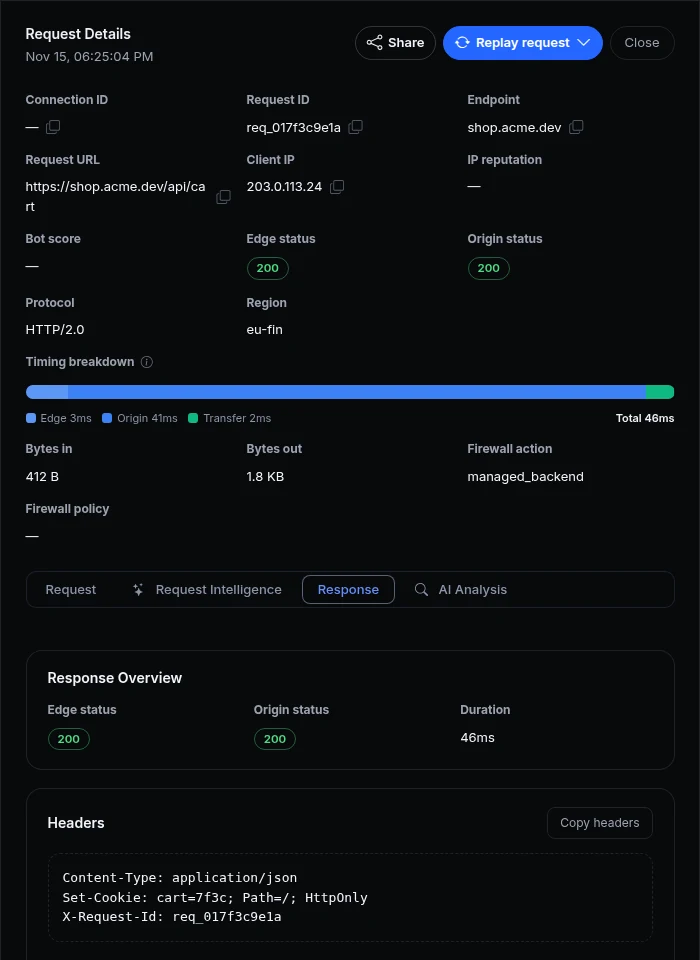
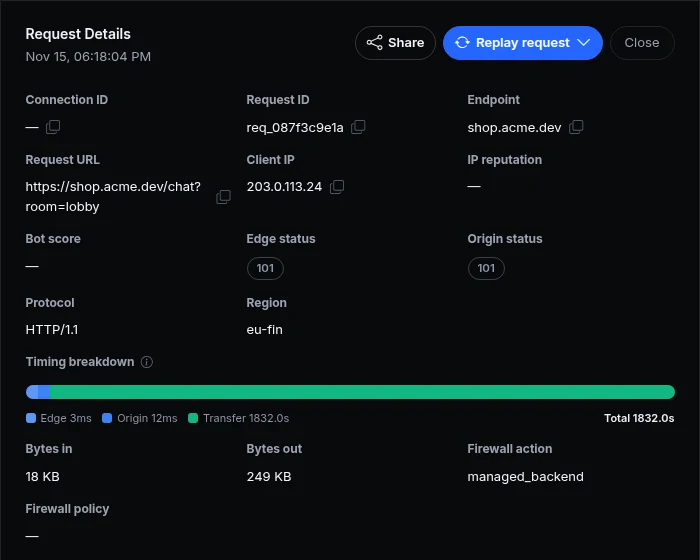
Now your app takes WebSockets on its port like any other request, with nothing to turn on, and the Traffic Inspector shows what it answered. Above is Acme Labs' shop: a cart update with your app's 200 and the time it took, and a chat that has been open for half an hour.
What changed
- WebSockets for hosted apps. A backend app, the backend of a full-stack app and a WordPress site take WebSocket connections, with the usual
X-Forwarded-For,X-Forwarded-ProtoandX-Forwarded-Hostheaders. A serverless function answers one request at a time, so it takes none: use a backend app. - The limits you already know. Each open WebSocket counts against your plan's Connections per tunnel for the app and Connections per visitor IP, and against the new Open WebSockets per account. One visitor can't take every connection your app has.
- Billed as it runs. A WebSocket's bytes count toward your monthly data transfer while it is open, not only when it closes. It closes after 12 hours, or when the account is suspended or over its monthly limits.
- The whole request. A hosted app's requests show the response headers, cookies and body, the request body, the full URL and the request ID. When your app answered, they show its status and the timing: the edge, your app, the transfer.
- Who answered. A request your app didn't answer says what did: your static app's live deploy, the edge cache, an edge function, or ngris's own page when the app couldn't be reached. It no longer says the origin never received it.
Get started
- Open a WebSocket to your app:
new WebSocket("wss://<your app's address>/ws"). Your server takes it on its port. - Turn on your WebSocket library's pings, and reconnect when the connection closes.
- Open Observability › Traffic Inspector and click one of your app's requests to see its response.
- Read the docs: WebSockets.