
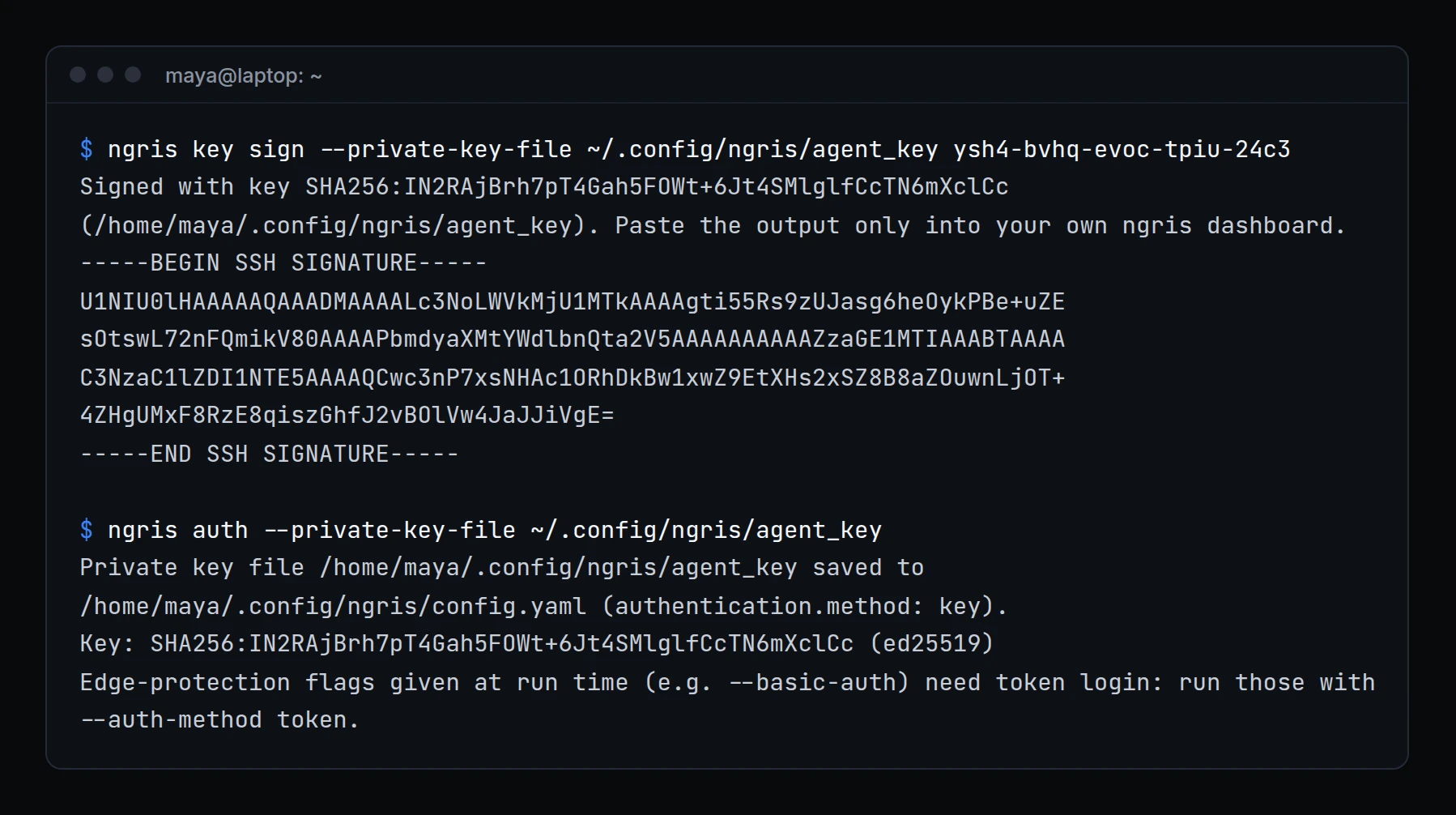
A tunnel logged in with an auth token: a secret in a config file, which anyone who copies the file can use.
With key login, the tunnel proves who it is with a private key that stays on your machine. Above, Maya signs the code the dashboard showed her under Security → Agent keys, pastes the signature back there, and points ngris at her key. Her next tunnel logs in with it.
What changed
- Add a key once. In the dashboard, open Security → Agent keys, click Upload key and copy the code it shows.
ngris key sign <code>signs it with your key; you paste its output back into the dashboard. - Log in with it.
ngris auth --private-key-file <file>checks the key and saves it as your login method. Start your tunnel as usual. - Supported keys: ed25519, or RSA from 2048 to 4096 bits, without a passphrase. A key file that other users can read is refused.
- A token as a backup. If you also keep a token, it is used when the key is refused. For full protection, remove the token from your config and revoke it in the dashboard.
--auth-method key|tokenpicks which one logs in first. - For tunnels. App commands use an API key or account key. Edge protection set when you start a tunnel (
--basic-auth,--mutual-tls, traffic policies) still needs your auth token: the CLI says so when you set up key login.
Get started
- Update ngris to 0.5.0.
- In the dashboard, open Security → Agent keys and click Upload key.
- Run
ngris key sign <code>with the code it shows, and paste the output into the dashboard. - Run
ngris auth --private-key-file <your key file>, then start your tunnel. - Read the docs: Key login.