
When an endpoint asks visitors to sign in, your app wants to know who is calling. Plain headers such as X-User-Email say who signed in, but your app has no way to check that they came from ngris.
Now every request the edge passes to your app after sign-in carries X-Ngris-Signature, a token signed by ngris that names the person and their roles on the endpoint. Your app checks it with ngris's public keys and its own endpoint ID, so a token made for another endpoint doesn't pass. The edge also removes any identity headers a visitor sends before it adds its own. It works for agent tunnels and for apps hosted on ngris alike.

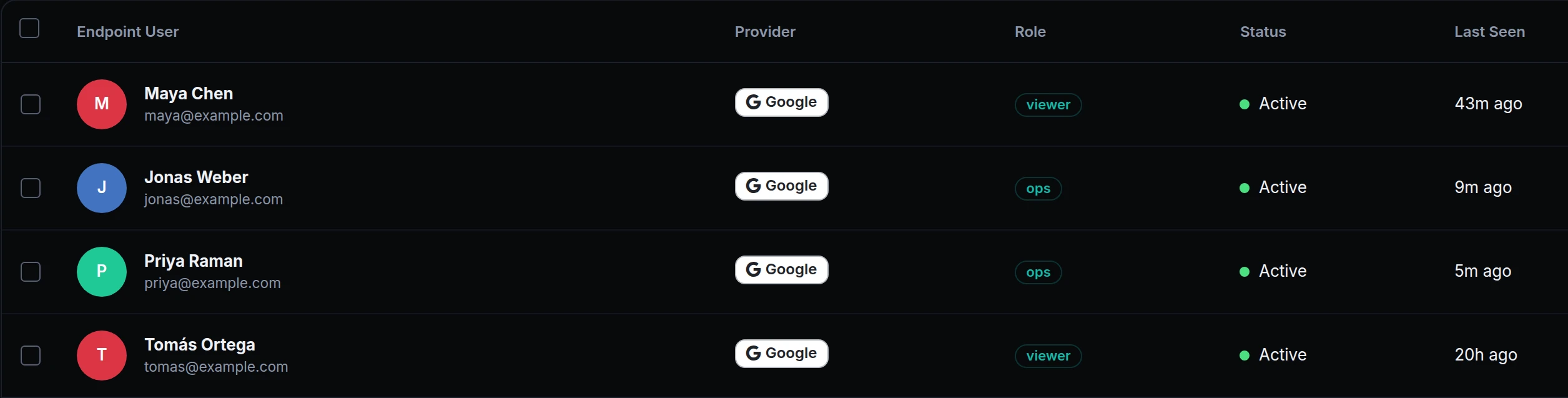
When Priya opens the console, the token in her requests says:
| Claim | Value |
|---|---|
iss |
https://api.ngris.com/edge-identity |
aud |
the endpoint's ID, 01a1cb6f-a437-7842-a002-add310384524 |
email |
priya@example.com |
name |
Priya Raman |
roles |
ops |
auth_method |
session |
How it works
- On every request after sign-in, whether people sign in with an OAuth provider, a password or a token.
- Check it with any JWT library. The public keys are at
https://api.ngris.com/.well-known/ngris-edge-jwks.json. Check that the issuer ishttps://api.ngris.com/edge-identityand that the audience is your endpoint's ID, shown next to its hostname at the top of its settings. - No forged headers. The edge drops
X-Ngris-Signatureand the identity headers a visitor sends, then adds its own. PlainX-User-*headers, if you forward them, are a convenience; the token is the one to trust. - Roles included. The token lists the person's roles on the endpoint, so your app can decide what they may do.
Get started
- In the dashboard, go to Gateway → Endpoints, open the endpoint and click Add Method on its Authentication tab to add OAuth / SSO.
- Add a provider with Add OAuth Provider on the OAuth / SSO tab, and your people and roles on Access Control.
- In your app, check the X-Ngris-Signature header against the public keys above, with the issuer and your endpoint's ID.
- Read the docs: Verify the signed identity, with code for Node.js, Python and Go, and RBAC & OAuth.