Sign-in limits hold off password guessing, but they could also hold off the real owner while someone else was doing the guessing. And your Activity log said that you signed in, not how.
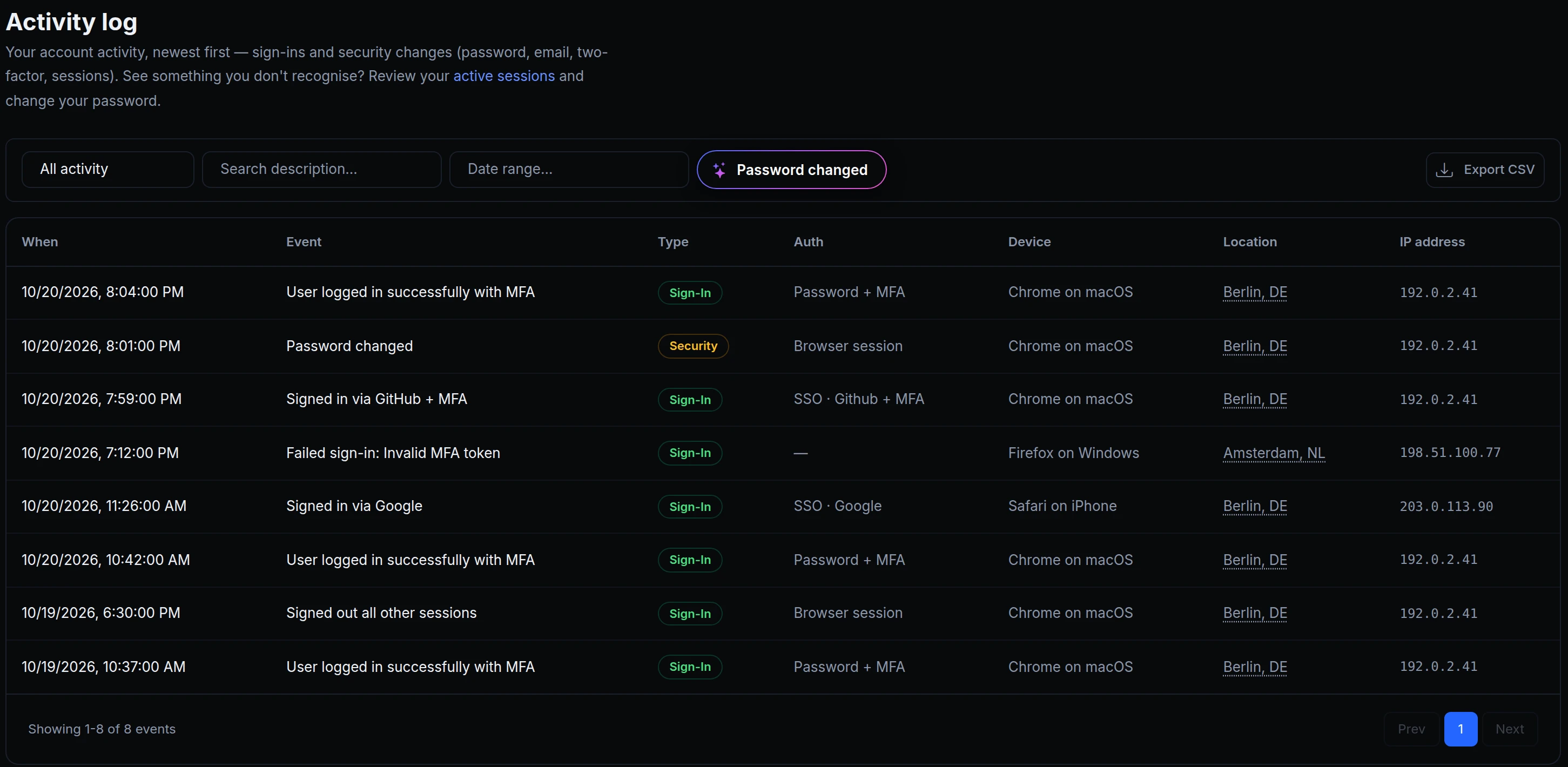
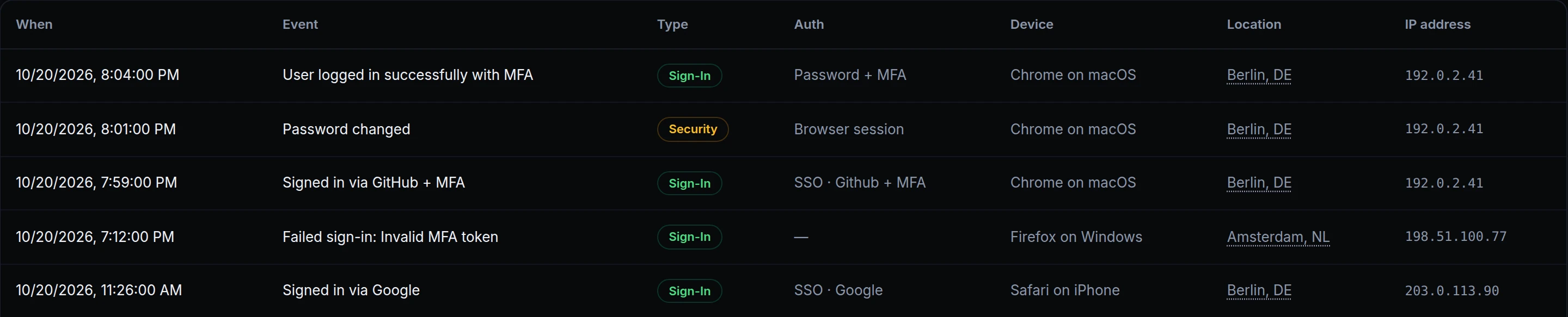
ngris now remembers the browsers you sign in with. After a password sign-in, that browser is a known device: when someone guesses passwords for your account from somewhere else, or tries many accounts from the network you share, your known browser still signs in as usual. Your Activity log now shows, for every sign-in, how it was made. Above is Maya's log on October 20.
What changed
- Known devices. Once a browser gets your password right, it's a known device for 30 days from its last sign-in. It still needs your MFA code if you use one, and you don't have to tick anything.
- A new password resets them. Changing or resetting your password forgets every known device. Each browser becomes known again at its next sign-in.
- How you signed in. Each sign-in in your Activity log says Password or SSO, with the provider when there is one (Google, GitHub), and + MFA when a second factor was used.
- Endpoint logins too. Endpoints that ask for a username and password treat your endpoint users' browsers the same way: see sign-in protection.
Get started
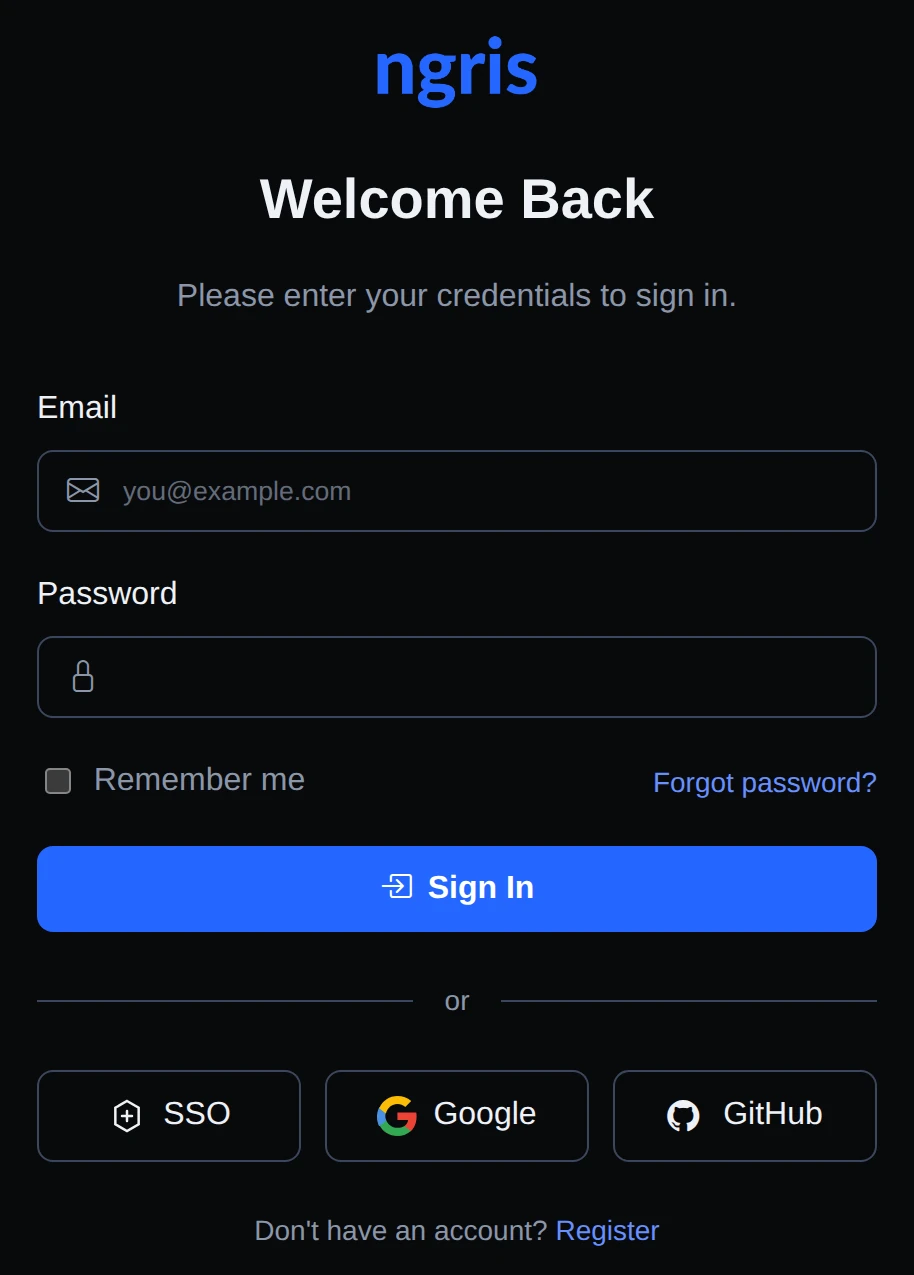
- Sign in to the dashboard with your password: this browser is now a known device.
- Open your user menu → User settings → Activity log. The Auth column says how each sign-in was made.
- Pick Sign-ins in the filter to see only those.
- If a sign-in isn't yours, change your password in User settings and check Active sessions.